

What is Mermaid Chart?
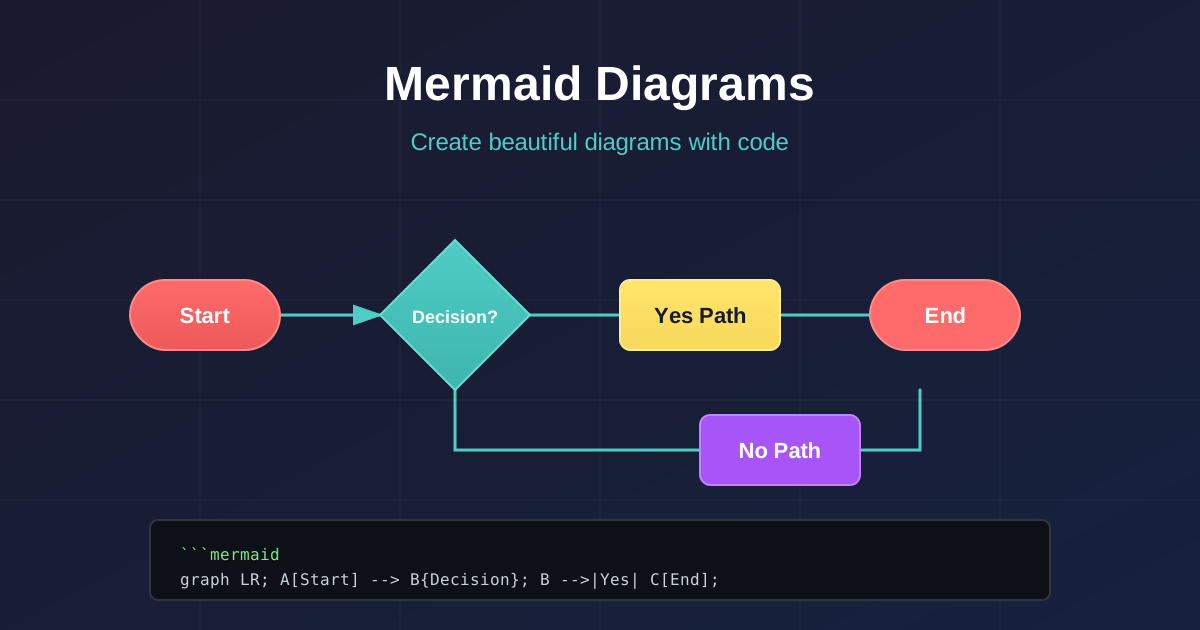

Have you ever struggled with creating diagrams for your documentation? Do you find yourself constantly switching between diagramming tools and your code editor? Mermaid Chart might be the solution you’ve been looking for.
What is Mermaid?
Section titled “What is Mermaid?”Mermaid is a JavaScript-based diagramming and charting tool that renders Markdown-inspired text definitions to create and modify diagrams dynamically. It integrates seamlessly with documentation, and you can define diagrams using simple text syntax right in your Markdown files.
Why Use Mermaid?
Section titled “Why Use Mermaid?”- Version Control Friendly: Since diagrams are defined in text, they can be tracked in Git just like your code
- Easy to Maintain: Update diagrams by simply editing text - no need to open external tools
- Consistent Styling: Diagrams inherit your documentation theme automatically
- Wide Support: Supported by GitHub, GitLab, Notion, and many documentation tools
Basic Diagram Types
Section titled “Basic Diagram Types”Mermaid supports various diagram types:
Flowchart
Section titled “Flowchart”Sequence Diagram
Section titled “Sequence Diagram”Entity Relationship Diagram
Section titled “Entity Relationship Diagram”How This Blog Uses Mermaid
Section titled “How This Blog Uses Mermaid”This website (supakone.me) uses the rehype-mermaid plugin to render Mermaid diagrams at build time. This means:
- No client-side JavaScript needed for diagram rendering
- Faster page loads since diagrams are pre-rendered as SVG
- Better accessibility with proper SVG markup
Getting Started
Section titled “Getting Started”To use Mermaid in your Markdown-based documentation:
- Add Mermaid support to your static site generator
- Write your diagram code in a fenced code block with
mermaidas the language - Build your site and enjoy beautiful diagrams!
Conclusion
Section titled “Conclusion”Mermaid Chart is an excellent tool for developers and technical writers who want to create diagrams without leaving their text editor. It’s especially powerful when combined with Markdown-based documentation systems like Starlight (which powers this blog).
Want to learn more? Check out the official Mermaid documentation for more diagram types and syntax options.